Think you know flags?
Start blank, no colours. One section at a time. Five lives.
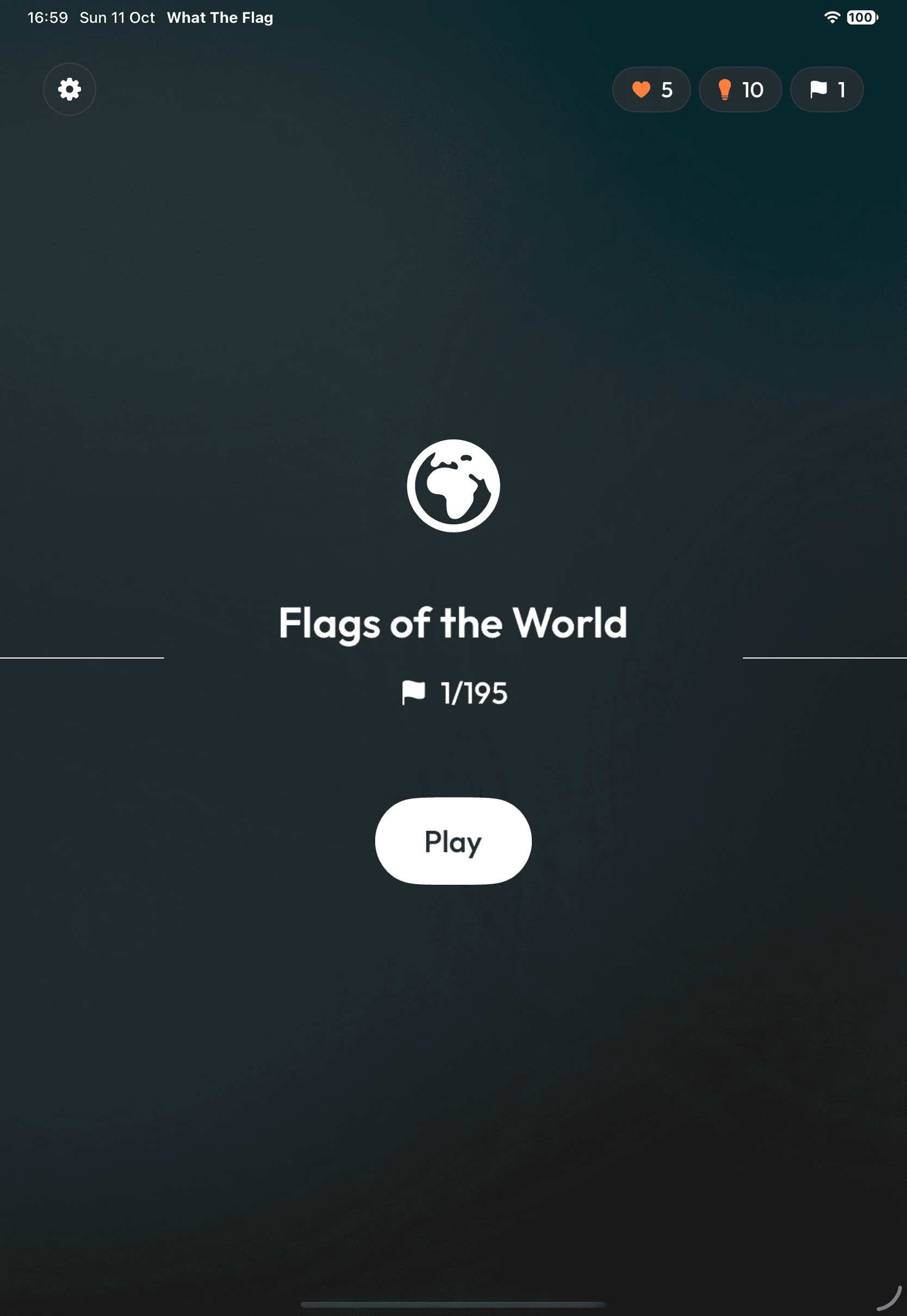
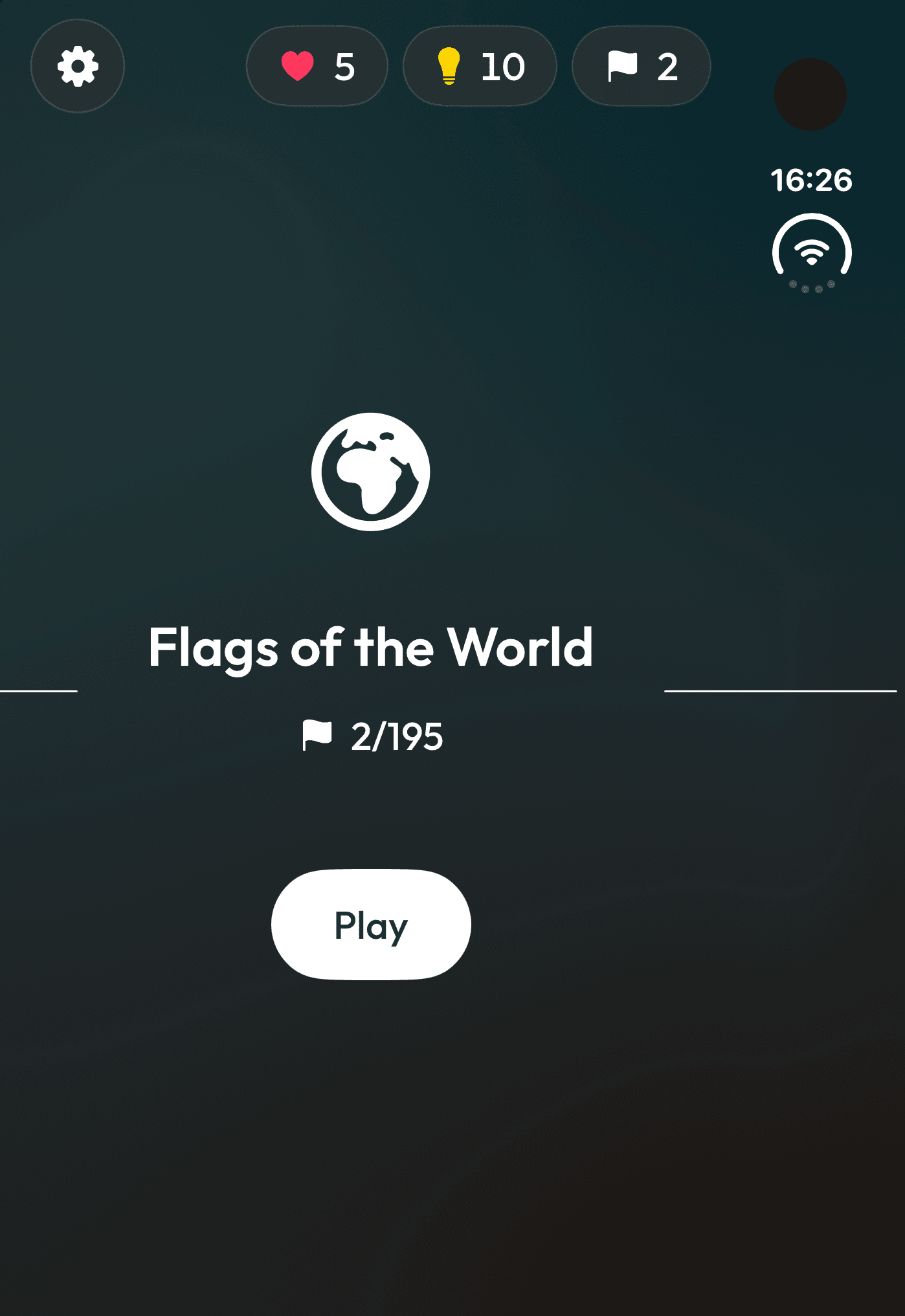
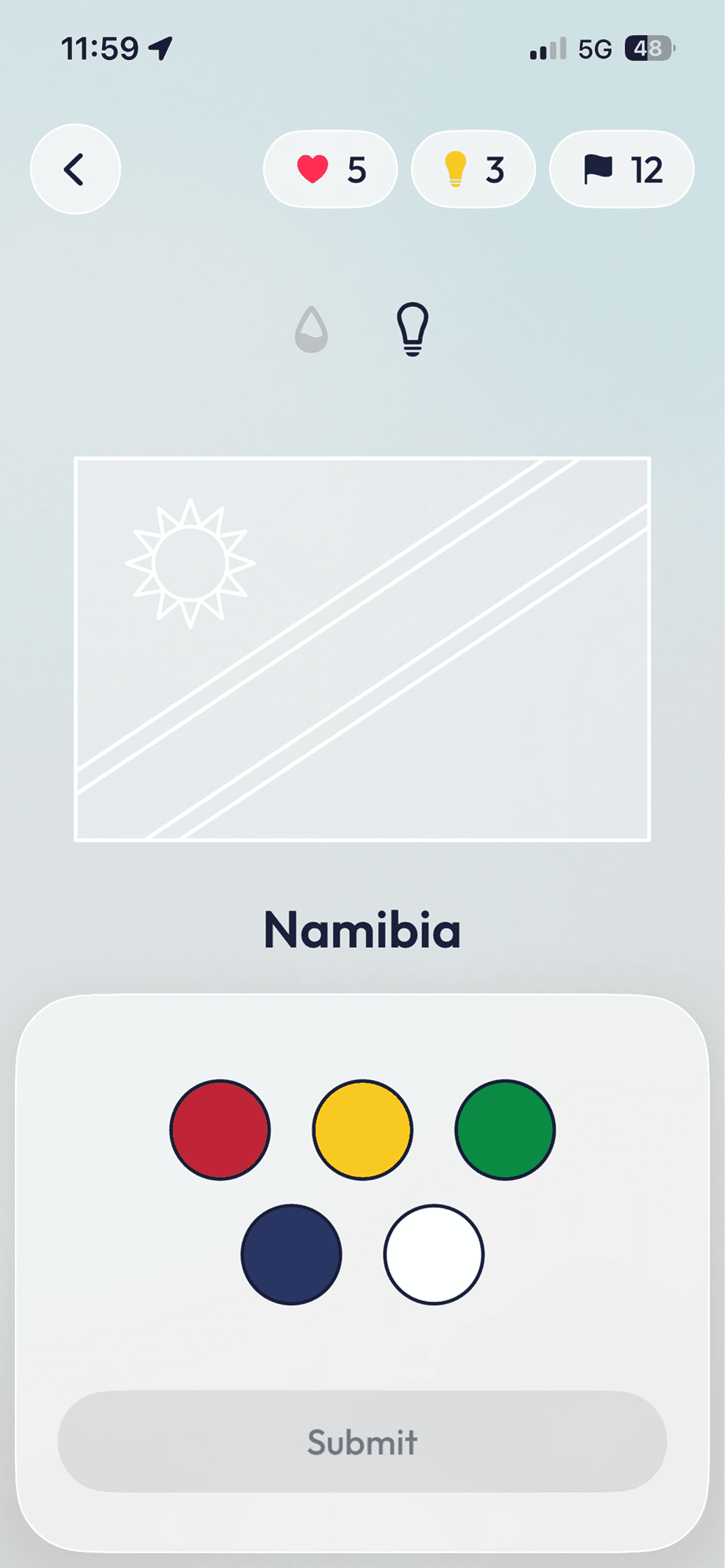
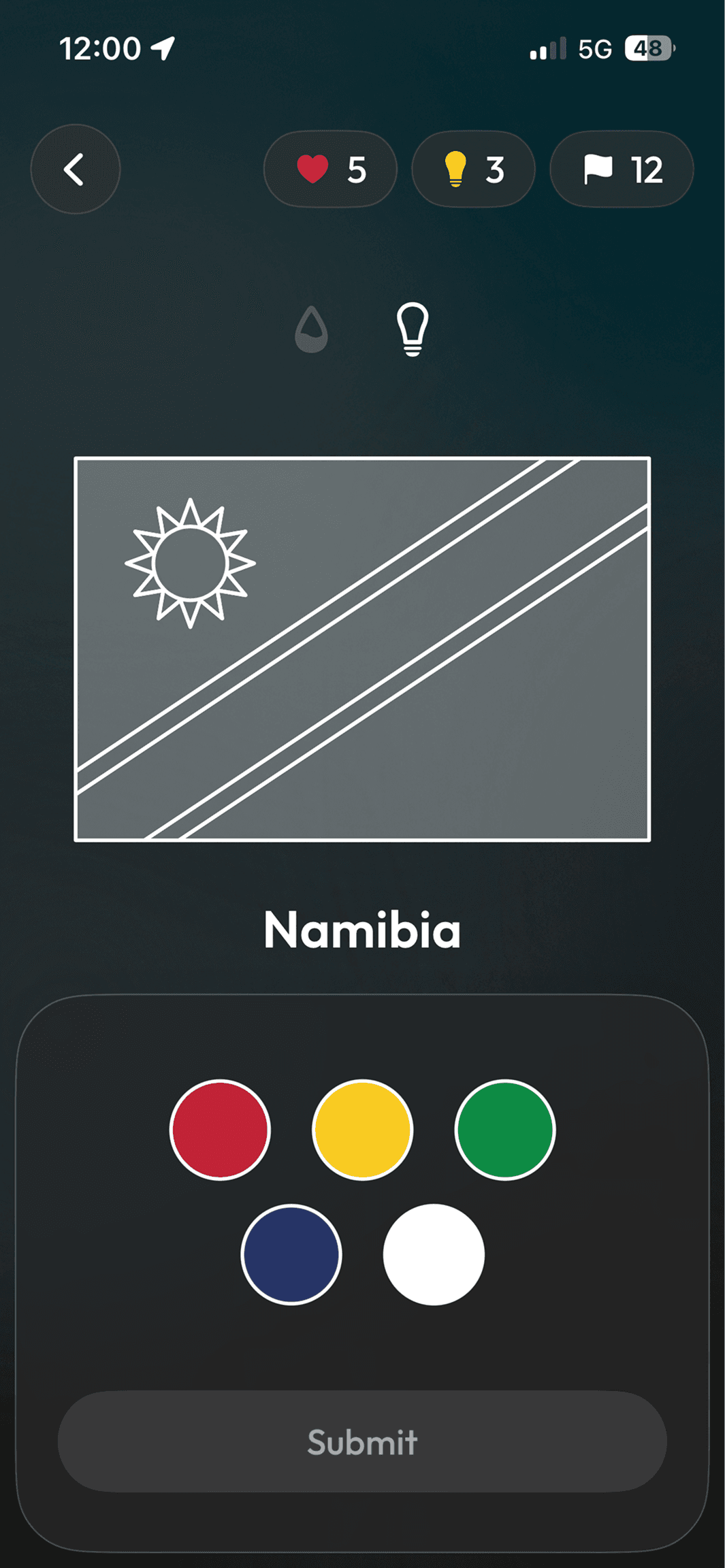
What The Flag
Version 1.0.4
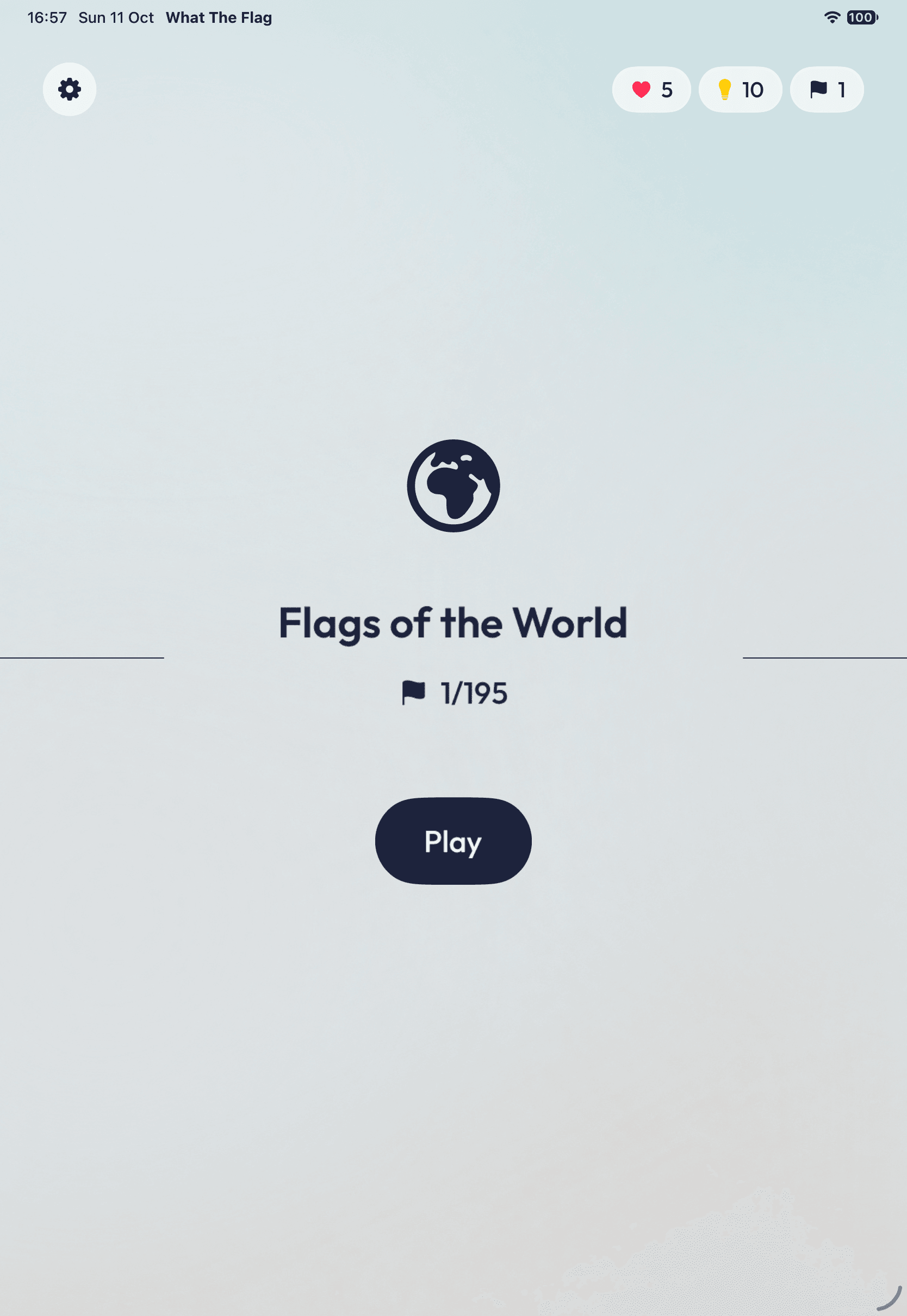
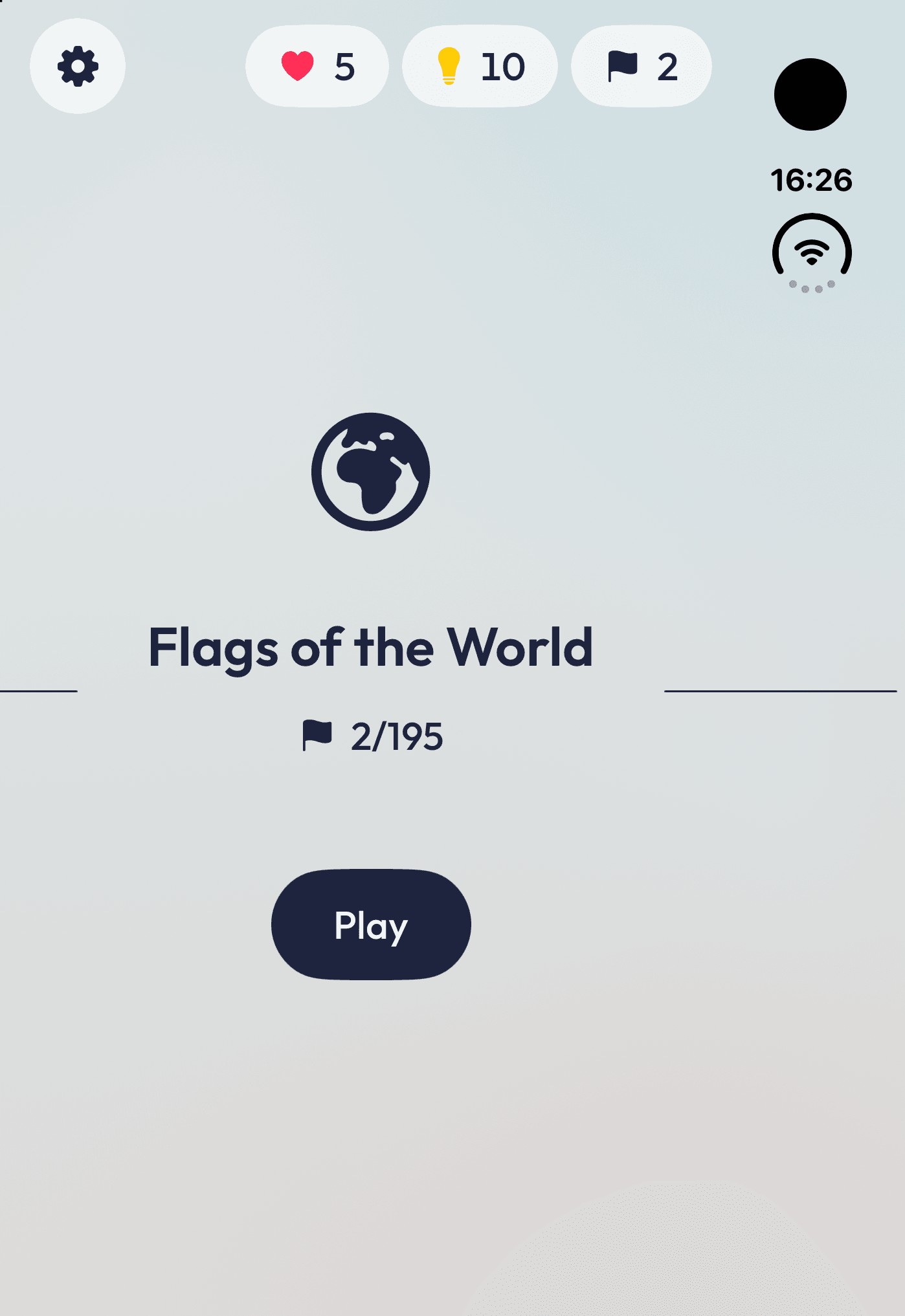
Flags are fascinating. With a few colours and simple shapes, they are powerful symbols representing a nation’s identity. Challenge yourself, guess their colours and learn about their hidden meanings. Prepare to be surprised!
Features
- 190+ country flags availableFlags from all around the world.
- Learn about flagsRead the history and symbols behind each flag.
- LivesUse them wisely, but don’t worry, they regenerate after some time.
- HintsGet yourself unstuck from that flag that is resisting.
- Track ProgressMonitor your progress and your achievements.
Currently working on…
- MapsSee where each country is on the map, right in its flag description.
- In-app purchasesPurchase extra lives and hints when you need them most.
- Bonus RoundsFree flags that will appear as you progress in the game.
- Premium CollectionsSpecial collections of states, provinces or regions.
- And many more!
FAQs
How do lives work?
You have up to 5 lives. Submitting a flag with the wrong colours costs one life and resets your streak.
Lives come back on their own, one at a time, and each one takes a little longer than the one before:
- 1st life: 15 minutes
- 2nd life: 20 minutes more
- 3rd life: 30 minutes more
- 4th life: 45 minutes more
- 5th life: 1 hour more
So if you've only lost one life, it's back in 15 minutes. All five will take 2 hours and 50 minutes in total.
How do I get more hints?
There are two ways to earn a hint:
- Complete 12 flags. You get a hint for every 12 you finish.
- Complete at least one flag every day from Monday to Sunday.
Using a hint colours in one section of the current flag for you, correctly.
Can I get a reminder when my lives are back?
Yes. Turn on notifications in the app's Settings and you'll get a notification as your lives regenerate. If you turned them off in iOS, re-enable them in your device's Settings app under Notifications › What The Flag.
Will my progress move to a new device?
Your progress is only stored on your device. It isn't synced to an account or to our servers. If you set up your new device from a backup of your old one, your progress comes with it. Otherwise, you'll start fresh.
How do I reset my progress?
Open Settings in the app and choose Reset progress. This permanently deletes your completed flags, achievements, lives, hints, streaks and settings, and it can't be undone.
Is there an Android version?
It's coming soon. For now, What The Flag is available on iPhone and iPad from iOS version 17.6 onwards.
Does the app collect my data?
No. Everything stays on your device and nothing is tracked. See the Privacy Policy for the details.